Practices that build appointment reminders thoughtfully often see no-show rates fall by a third or more. The systems that produce these results look very different from the default reminders most practices send.
No-shows are one of the most expensive operational problems in medical practices, and one of the most consistently addressable. Practices that have implemented well-built reminder workflows commonly report no-show reductions in the range of thirty to forty percent compared to their pre-implementation baselines. The magnitude varies by specialty and patient population, and no agency should responsibly promise a specific outcome — but the direction and approximate magnitude have been consistent across enough implementations to be worth taking seriously.
What is striking is how much of the gain comes from the design of the workflow rather than from the existence of reminders at all. Most practices already send some form of reminder. The practices seeing dramatic no-show reductions are not sending reminders for the first time — they are sending them differently.
Why Most Default Reminders Underperform
Before describing what works, it is worth being clear about why typical reminder systems leave so much value on the table.
Most default reminders are single touchpoints. A single email sent the day before, or a single SMS sent the morning of, captures some patients but misses the ones who need a different cadence or channel to respond.
Most default reminders are one-way. They tell the patient about the appointment. They do not invite the patient to confirm, cancel, or reschedule, and they do not capture the patient’s response in a way that updates the schedule automatically. The reminder happens and the practice waits to see who shows up.
Most default reminders go through whatever channel the practice’s scheduling system happens to default to, regardless of patient preference. A reminder by email to a patient who never checks email produces no useful effect. A reminder by phone call to a patient who never answers unknown numbers produces no useful effect.
Most default reminders contain only the minimum required information. The patient learns when and where, but not what to bring, whether to fast, how long the appointment will take, or what specifically will happen. Information that would prevent confusion-driven no-shows is left out.
Each of these gaps is fixable. The gains come from fixing them in combination, not in isolation.
The Reminder Cadence That Works
Effective reminder workflows for most medical practices use multiple touchpoints across multiple channels and time horizons.
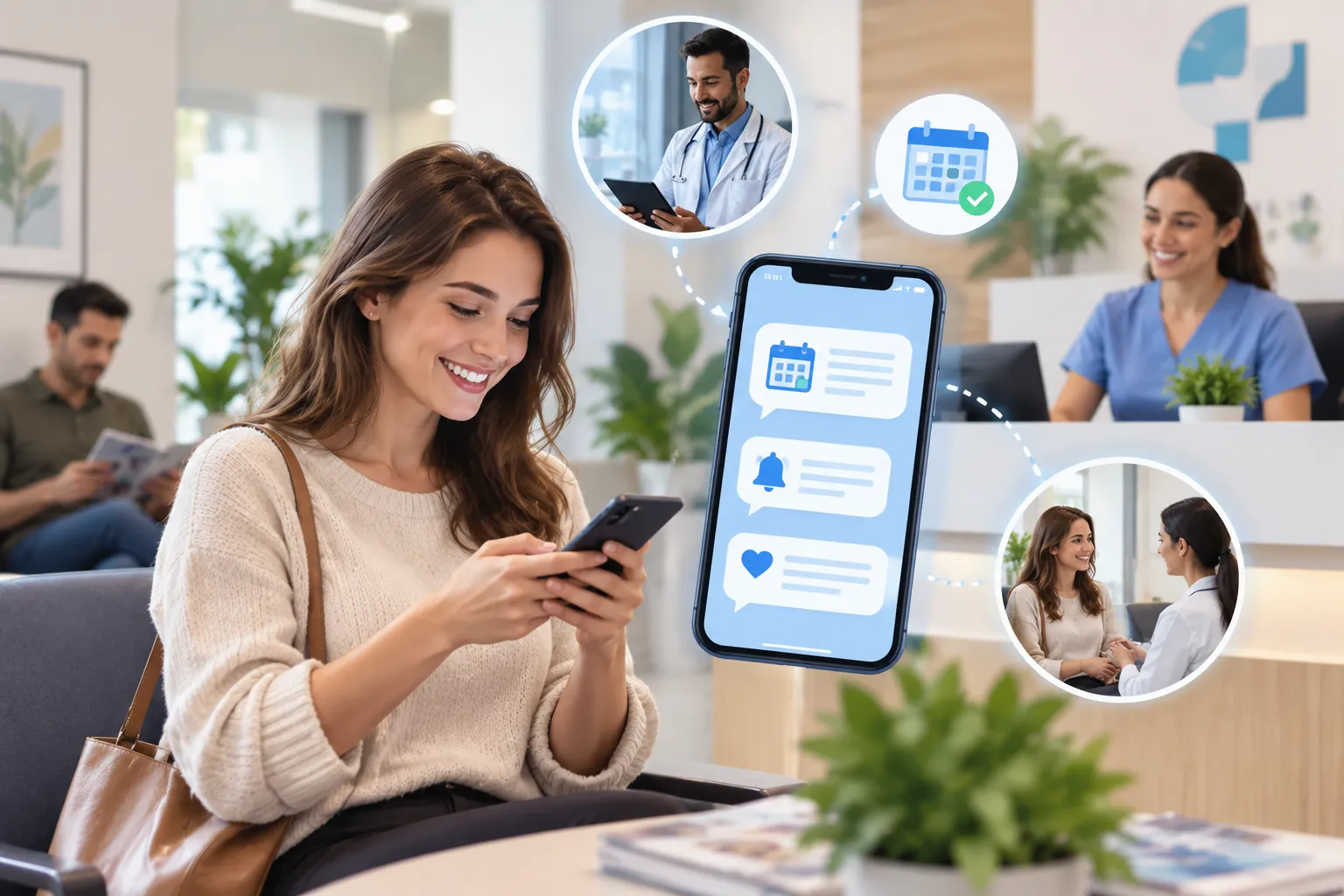
A confirmation immediately after booking. This is the moment the patient is most engaged with the appointment, and a clear confirmation — by email and SMS — sets expectations and creates the first reference point.
A reminder several days before the appointment. Typically two to three days in advance, this reminder is what gives the patient time to reschedule if they discover a conflict, rather than no-showing because they remembered the conflict on the day of.
A reminder the day before. Twenty-four hours out, the reminder serves both as a memory aid and as a final opportunity for the patient to cancel or reschedule with enough notice for the practice to fill the slot.
A reminder the morning of, in many specialties. A short SMS in the morning catches patients who have the appointment on the calendar but have not actively prepared, and gives them time to organize their day around it.
The exact cadence should reflect the specialty. Procedures requiring preparation — fasting, medication adjustment, transportation arrangement — benefit from earlier reminders. Quick visits with no preparation requirements can use a leaner cadence.
Multi-Channel Coverage
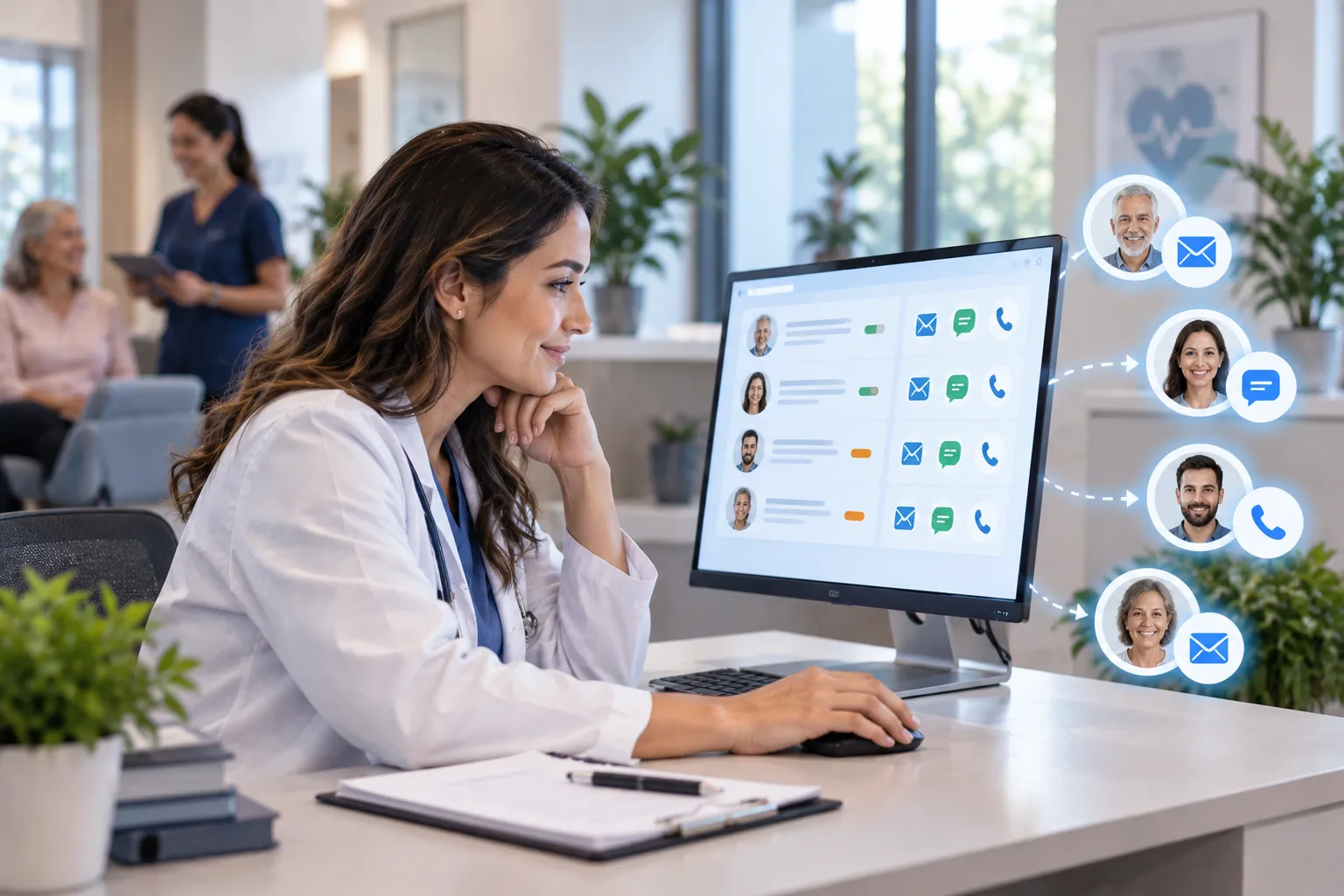
Different patients respond to different channels. A workflow that uses only one channel reaches only the subset of patients who prefer that channel, and the rest are exposed to reminders they will not see.
Effective workflows use SMS as the primary channel for most patients, with email as a backup for those who have opted into email communications. Phone calls — increasingly less effective for younger patients but still valuable for older demographics — are appropriate as a final pre-appointment touchpoint, particularly for higher-stakes visits.
Letting patients indicate their channel preference at the consent stage and respecting those preferences in the workflow produces meaningfully better engagement than ignoring the preference and sending through whatever channel is technically available.
Two-Way Design
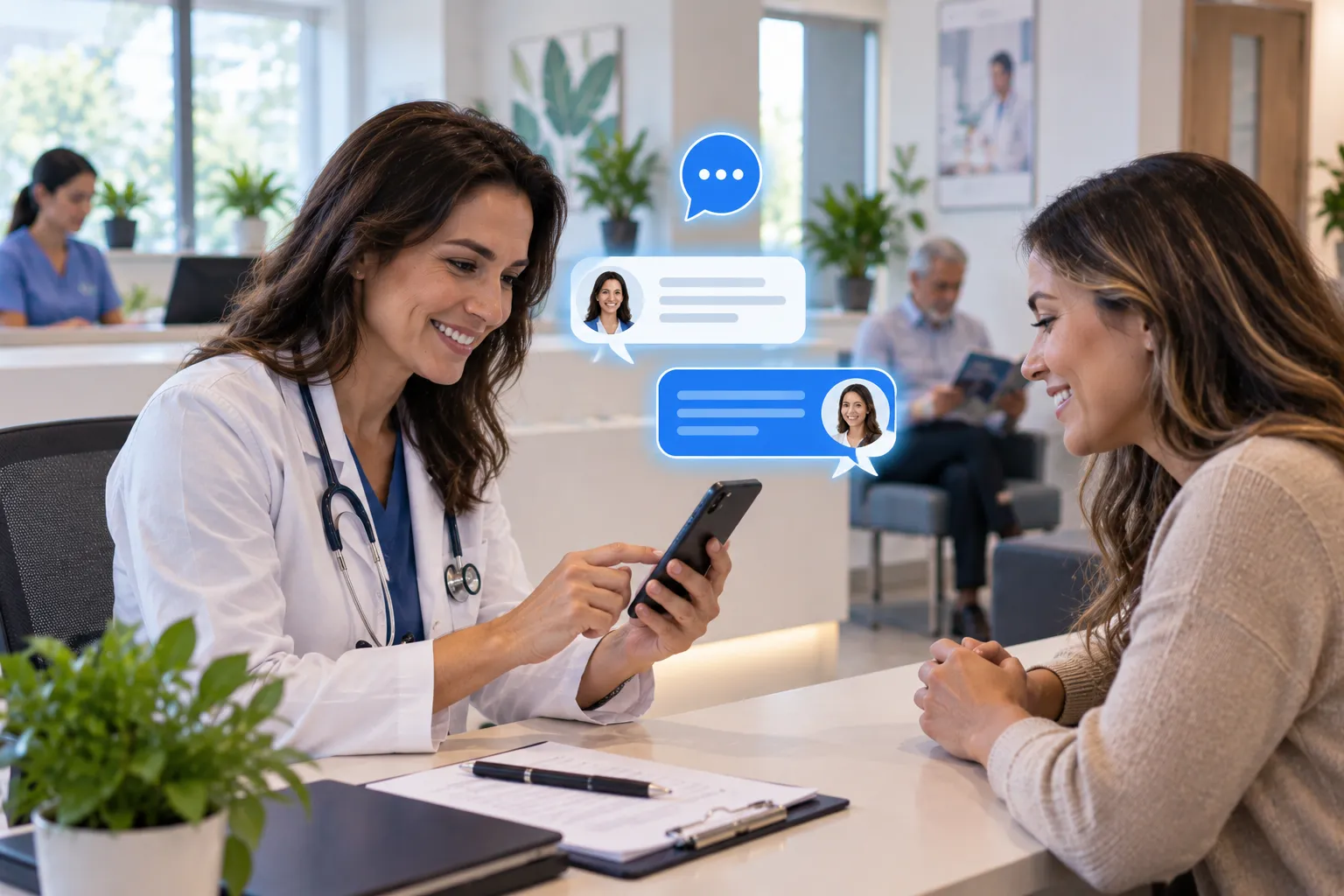
The single highest-leverage feature of effective reminder workflows is two-way design. The reminder should not just tell the patient about the appointment — it should give them a way to confirm, cancel, or reschedule directly from the reminder.
Reply-based confirmation in SMS — “Reply YES to confirm or NO to cancel” — produces immediate response from a meaningful fraction of patients. Patients who confirm become higher-probability show patients, often dramatically so. Patients who cancel free up the slot in time for the practice to fill it from a waitlist or rescheduling list.
Link-based rescheduling in SMS or email — a one-click path to view alternative times and self-reschedule — handles the patients who would have called eventually but appreciate the option to handle it asynchronously. Many of these patients reschedule rather than no-show when given the friction-free option.
The economic implication is significant. A no-show costs the practice the full value of the slot. A cancellation a day in advance, with time to fill the slot, costs the practice much less. Two-way reminders that convert no-shows into cancellations recover a substantial portion of the lost revenue even when the same number of patients ultimately do not attend their original appointment.
What the Reminder Should Actually Say
The content of effective reminders is more substantive than typical default messages.
Specific identification of the practice and provider. The patient should know which practice and which provider the appointment is with, particularly for patients who see multiple practices or providers.
Specific time and location. Date, day of the week, time, and address — all clearly stated. For practices with multiple locations, the location is essential.
Preparation instructions where relevant. “Please arrive 15 minutes early to complete paperwork,” “avoid eating after midnight,” “bring your current medications.” Practical instructions reduce both no-shows and arrival-but-cannot-proceed events.
Cancellation or rescheduling instructions. The patient should know how to make changes if needed. Practices that hide this information to discourage cancellations end up with more no-shows, which are worse than cancellations.
What not to include. Detailed clinical information should not appear in SMS reminders. The compliance considerations from elsewhere in this series apply — the reminder content should help the patient attend without exposing protected information in non-secure channels.
Personalization Where It Helps
Generic reminders work less well than reminders that feel personalized to the patient and the appointment. “Hi [Name], this is a reminder about your appointment with Dr. [Provider] on [Date]” is meaningfully better than “Reminder: appointment tomorrow.”
Personalization should stop at the boundary of clinical specificity. Including the patient’s name and the provider’s name is appropriate. Including the procedure name or condition being addressed often is not, both for compliance reasons and because patients may be receiving the message in contexts where the content is visible to others.
Operational Integration
All of this only works if the reminder workflow is integrated with the practice’s actual scheduling system. Reminders sent by a system that does not know when patients have been rescheduled, when appointments have been cancelled, or when same-day changes have happened produce confusion and complaints.
The reminder system should pull from the scheduling system continuously, not from a snapshot taken at the start of the week. Patients who rescheduled yesterday should receive the reminder for their new appointment, not for the original one. Patients who cancelled should not receive reminders at all.
This integration is often where reminder implementations fall down. The reminder logic is configured once, the integration drifts as scheduling systems are updated or replaced, and patients receive reminders that no longer reflect their actual schedule. The integration needs ongoing maintenance, not just initial setup.
Measuring What Changes
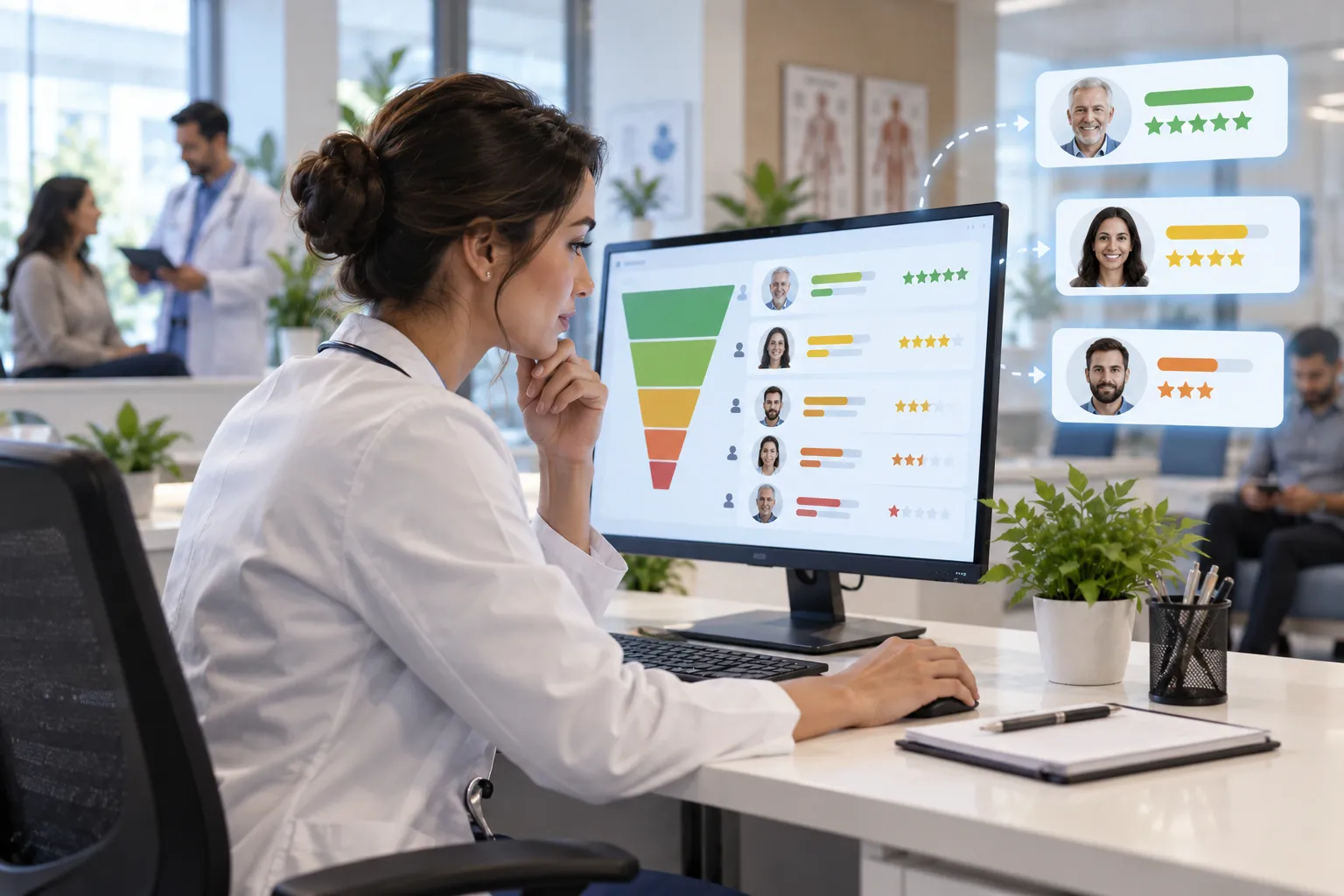
Practices implementing improved reminder workflows should track no-show rates before and after, by specialty and by visit type, to understand the actual impact in their specific context. Aggregate metrics across the practice can mask important variation, and the gains in some service lines may be larger or smaller than in others.
Measuring this is also operationally useful for resource allocation. Service lines where reminders produced large improvements may benefit from continued refinement. Service lines where the improvement was modest may have constraints that reminders alone cannot fix — and identifying those constraints points toward other interventions worth investigating.